Business / Leads, quotes & jobs
Carry customer intent into the job you deliver.
Keep inquiries, contact history, confirmed job details, quotes, and the transition into booked work in AYNA. The customer process remains connected to the platform your team uses for operations.
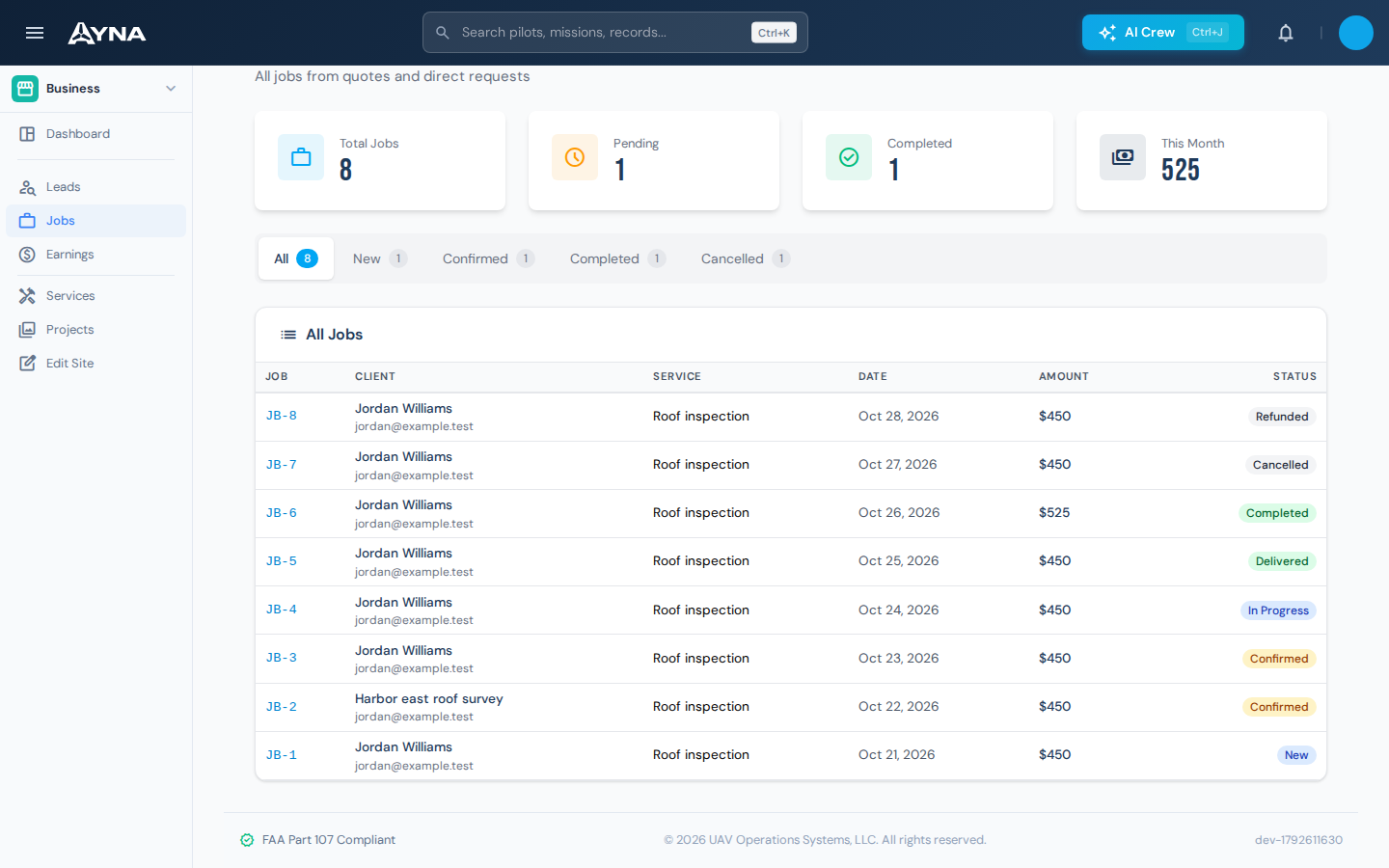
The operational context
Sales context should survive the handoff to operations.
A customer inquiry contains more than contact details. It includes the requested service, preferred timing, location, and the conversations that shape the work. When a separate sales process hands only a date and address to operations, that context is easy to lose. AYNA keeps the opportunity and confirmed scope in the same platform as the resulting job.
01 / Leads, quotes & jobs
Capture the request and where it came from.
Record the customer, company, contact details, lead source, and requested service. Retain preferred timing and service location where supplied. Website inquiries and manually entered opportunities can be managed in the same lead workflow, with notes that explain the customer's requirements.
Customer details · requested service · source and location

02 / Leads, quotes & jobs
Keep the conversation and next action visible.
Record contact activity with its channel and notes. Assign responsibility and set a next action date so the team has a reference for follow-up. Review the current opportunity status without treating a payment or an email as a substitute for the operator's decision about the work.
Contact log · assigned responsibility · next action date
03 / Leads, quotes & jobs
Confirm scope before issuing the quote.
Confirm the job date and address, set the quoted price, and specify the deposit arrangement where applicable. Manage the quote and its payment link from that customer context. Quote renewal supports opportunities that need updated terms before the customer proceeds.
Confirmed date and address · quoted price · deposit arrangement
04 / Leads, quotes & jobs
Convert accepted work into a job.
Move a won opportunity into the booked-work process with the confirmed details retained. The original lead remains associated with the resulting booking. Existing payment records are carried into the job workflow, so the team can distinguish the commercial record from the operational work still to complete.
Lead-to-job relationship · confirmed scope · payment continuity
Working in AYNA
An inquiry becomes work with a defined scope
- 01
Qualify the request
Review the service, location, timing, and contact history.
- 02
Confirm and quote
Agree the job details, quoted price, and applicable deposit.
- 03
Book and prepare
Convert the won opportunity into a job and carry the work into operational planning.
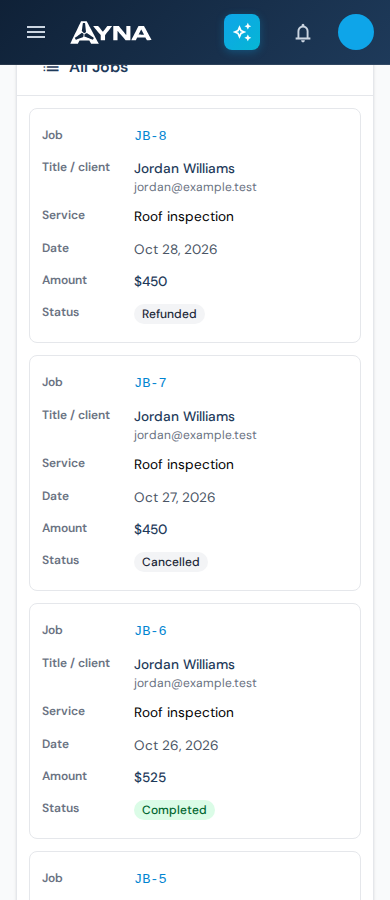
AYNA mobile app / In the field
Keep customer work in reach.
Review the customer, service, date, amount, and job status from your phone. The mobile workspace uses the same account and business records.
Install AYNA on your home screen as a mobile web app (PWA). Use the same account and workspace on your phone and desktop.
How to install AYNA
On iPhone or iPad, open AYNA in Safari and select Share → Add to Home Screen. On Android, use the installation prompt or the browser menu’s Install app / Add to Home Screen option where available.
Live records and changes require a connection. Installation does not provide offline editing or queued submissions.
Leads, quotes & jobs / Questions
Details for your operation.
Can I enter leads that did not come from the storefront?
Yes. Leads can be created directly, with a source and notes for opportunities such as referrals and personal contacts.
Does payment automatically mark a lead as won?
No. Payment records and lead status are separate. The operator manages the opportunity and its conversion into a job.
Where do customer payments fit?
Payment links, deposits, and balances connect to the customer workflow through Stripe. The Storefront & Payments page explains that part of the platform.
Continue the work
Connected capabilities.
Pilot
Connect customer work to your operation.
14-day free trial · no charge today · cancel anytime